Voicemails
Manage voicemail recordings, listen to messages, and set up voicemail notifications.
Voicemail Overview
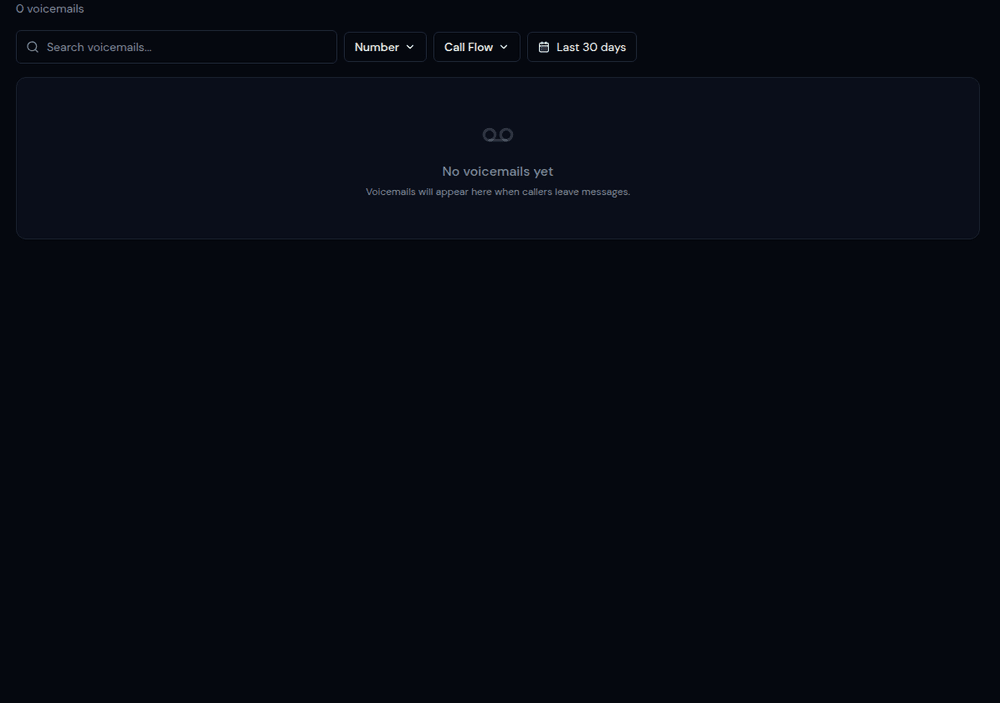
The Voicemails page shows all voicemail recordings left by callers who reached a Voicemail step in your call flows. Each entry shows the caller's number, the tracking number called, the voicemail duration, and a playback button.
Listening to Voicemails
Click the play button on any voicemail to listen in-browser. You can also download the recording as an audio file for offline listening or sharing.
Voicemail Notifications
Set up email notifications for new voicemails in your call flow automations. When a voicemail is received, an email with the recording attached will be sent to your configured addresses. This ensures you never miss an important message.
AI Transcription for Voicemails
If AI transcription is enabled on the call flow, voicemails will also be transcribed automatically. Read the voicemail as text without having to listen to the audio — perfect for noisy environments or quick scanning.