Dynamic Number Insertion for Visitor-Level Call Tracking
One line of JavaScript. Every website visitor sees a unique tracking number based on how they found you — Google Ads, Facebook, organic, or direct. Visitor-level attribution without changing your site.
The bottom line
Last updated: February 2026CallScaler's dynamic number insertion (DNI) automatically swaps phone numbers on your website based on visitor source, including Google Ads, Facebook, organic, or direct. Unlike competitors that charge extra for DNI or limit it to higher tiers, CallScaler includes it on all plans. The async JavaScript snippet has zero page speed impact and captures gclid, fbclid, UTM parameters, and landing page data for every visitor session.
How it works
One script tag. Automatic visitor-level attribution.
Add the DNI Script
Paste a single JavaScript snippet on your website. It loads asynchronously — zero impact on page speed.
Configure Number Pools
Create a pool of tracking numbers and set your swap targets. CallScaler handles the rest.
Numbers Swap Automatically
Each visitor sees a unique number based on their referral source, campaign, and keyword. The swap is invisible and instant.
Track Every Visitor
When they call, CallScaler matches the number back to the specific visitor session — source, keyword, landing page, and more.
Key capabilities
DNI that tracks everything without slowing your site.
Visitor-Level Tracking
Go beyond source-level. Track individual visitor sessions with unique number assignment.
One-Line Install
A single async script tag. Works with any website, CMS, or landing page builder.
Referrer Detection
Automatically detects Google Ads, Facebook, Bing, organic search, direct, and custom UTM sources.
gclid & UTM Capture
Captures gclid, msclkid, fbclid, and all UTM parameters from the visitor's URL.
Number Recycling
Numbers are recycled after visitor sessions expire. Maximize tracking with fewer numbers.
Multi-Domain Support
Use the same pool across multiple domains. Perfect for agencies managing many client sites.
Try Dynamic Number Insertion free
No credit card required. Set up in under 60 seconds.
Who uses DNI?
Anyone who needs to know which website visitors turn into phone calls.
What is dynamic number insertion?
Dynamic number insertion (DNI) is a technique that automatically swaps phone numbers on your website based on how each visitor found you. A visitor from Google Ads sees one number, a visitor from Facebook sees another, and an organic search visitor sees a third. This happens invisibly through a JavaScript snippet. When any of these visitors call, you know exactly which channel, campaign, and even keyword drove the call.
How DNI works technically
You add a lightweight JavaScript snippet to your website (or use Google Tag Manager). When a page loads, the script checks the visitor's referral source, captures click parameters like gclid, fbclid, and UTM tags, and assigns a unique tracking number from your number pool. That number is displayed everywhere on the page, replacing your default business number. The assignment is tied to the visitor's session, so if they browse multiple pages and call later, the attribution still holds.
DNI vs. static call tracking
Static call tracking assigns one number per campaign. If you run 10 Google Ads campaigns, you use 10 numbers. This tells you which campaign drove the call, but not which keyword or which specific visitor. DNI goes further by assigning numbers per visitor session, capturing the full click path including keyword, landing page, and device. For most businesses running online ads, DNI is essential for accurate ROI measurement.
Impact on page speed and SEO
CallScaler's DNI snippet loads asynchronously and weighs under 5KB. It does not block page rendering or affect Core Web Vitals. The number swap happens after the page paints, so there is no layout shift visible to users. Search engines see your original number in the HTML source, which is the correct behavior for local SEO. The swap is JavaScript-only, meaning Googlebot indexes your real business number while visitors see tracking numbers.
Setting up DNI for the first time
Create a number pool in CallScaler with at least 5-10 tracking numbers. Set the target number (the real number DNI should replace on your site). Copy the one-line JavaScript snippet and add it to your website header or via Google Tag Manager. The script automatically detects your phone number formats on the page and replaces them. No code changes to your site templates are needed. The whole setup takes about 5 minutes.
Best practices for DNI number pools
Optimize your DNI setup with these tips:
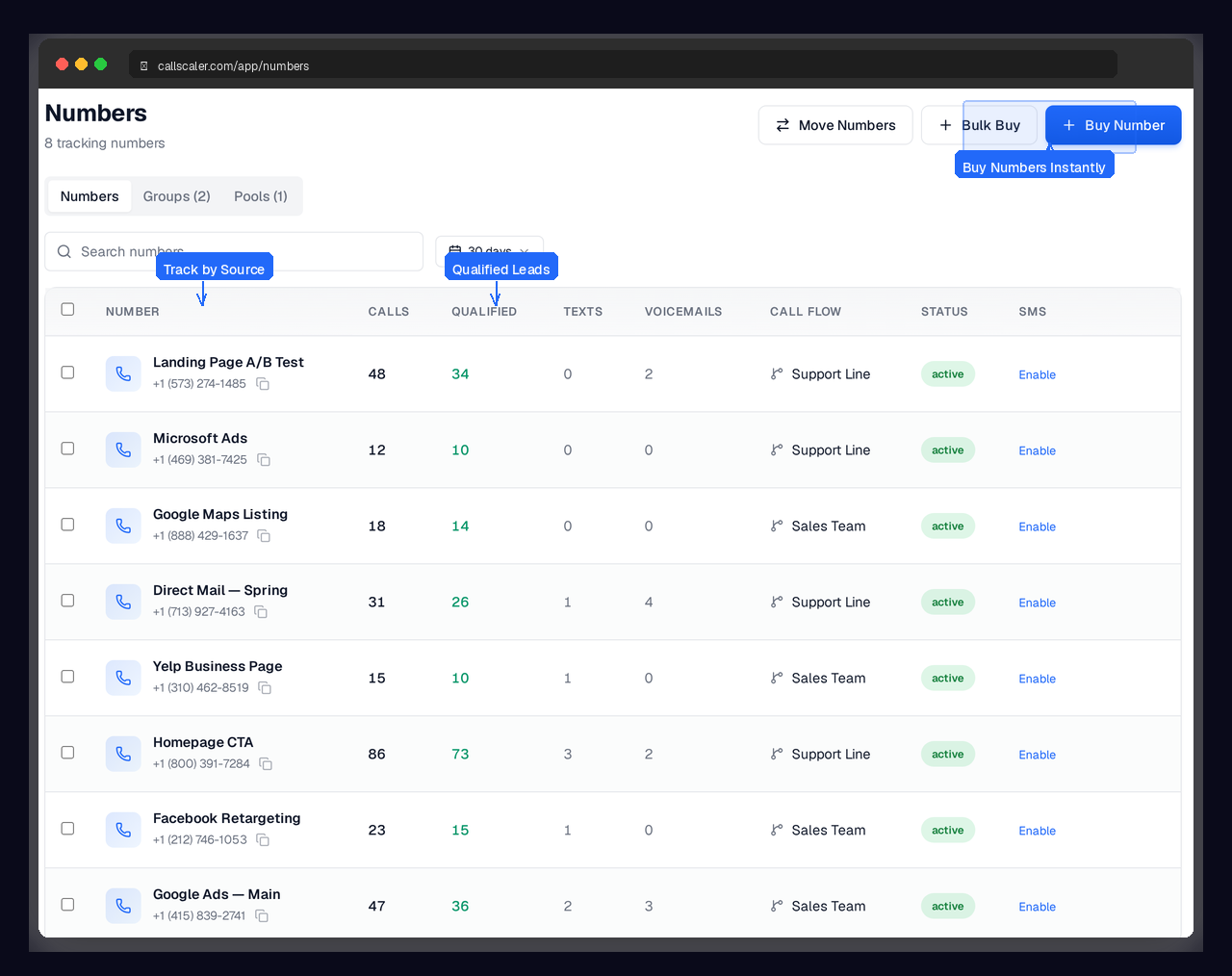
- Start with 8-12 numbers and add more if pool utilization exceeds 80 percent
- Use local area codes that match your business region for higher answer rates
- Set session duration to 20-30 minutes for most business websites
- Monitor the pool analytics dashboard weekly to right-size your pool
Troubleshooting common DNI issues
If numbers are not swapping on your site, check these common causes:
- The tracking script must load before the page finishes rendering — place it in the head tag
- The target number on the page must exactly match the format configured in CallScaler
- Phone numbers inside images or iframes cannot be swapped — use text-based numbers
- Ad blockers in your own browser may block the script — test in incognito mode
How DNI works with Google Tag Manager
If your site uses Google Tag Manager, you can deploy the DNI snippet as a custom HTML tag that fires on all pages. This avoids editing your site code directly and lets your marketing team manage the tracking script without developer involvement. Set the tag to fire on DOM Ready for the fastest number swap. GTM deployment works identically to a direct script install — same attribution, same speed, same results.
Using DNI alongside form tracking
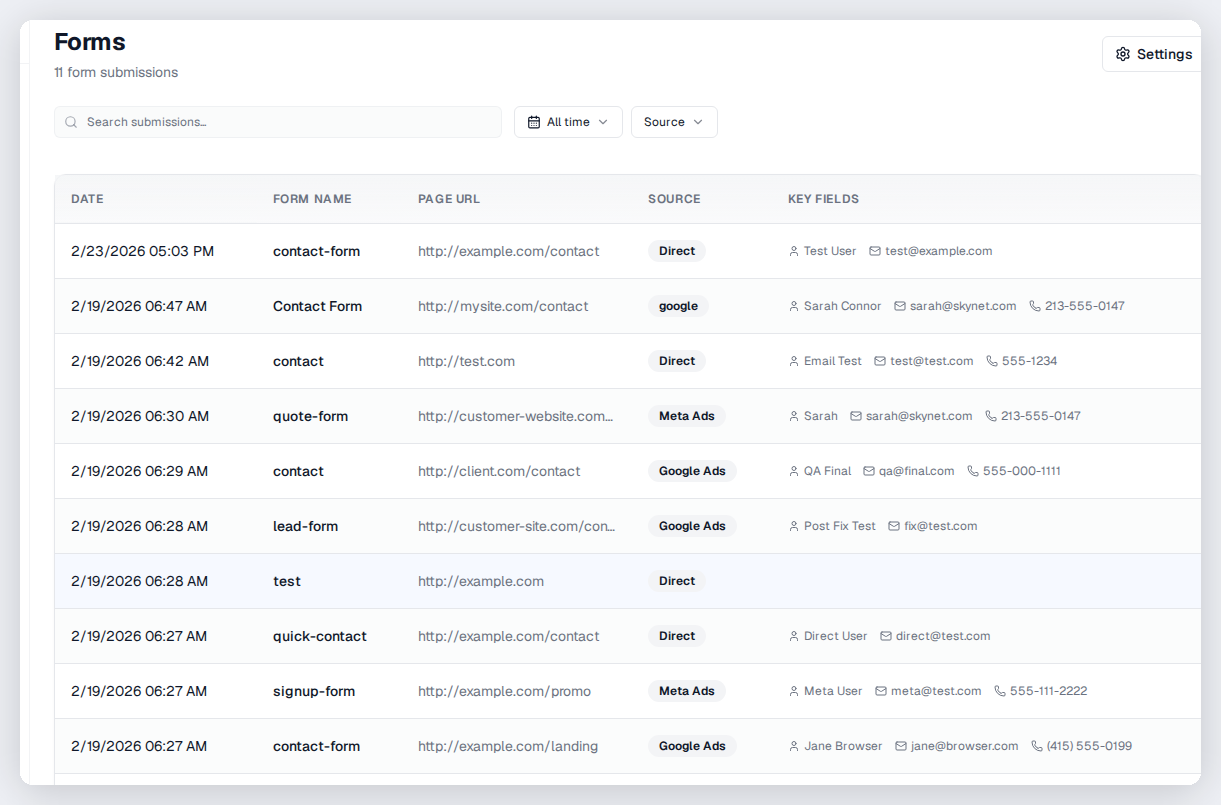
The same tracking.js snippet that powers DNI also captures form submissions on your site. When a visitor fills out a form, it gets the same source attribution as a phone call — UTM parameters, gclid, landing page, and referrer. This means you can compare call and form conversion rates by source in a single dashboard without adding any extra code.
Frequently asked questions
Common questions about Dynamic Number Insertion.
Related features
Works great with Dynamic Number Insertion.
Tracking Numbers
Assign unique phone numbers to every marketing channel, campaign, and landing page. Attribute every inbound call to the source that generated it — with zero guesswork.
Learn moreKeyword-Level Tracking
Capture gclid, msclkid, fbclid, and UTM parameters automatically. Know which keywords, ad groups, and campaigns generate phone calls — and feed that data back to your ad platforms for smarter bidding.
Learn moreGoogle Ads Integration
Close the attribution loop. When a Google Ads click turns into a phone call, CallScaler sends the conversion back to Google Ads — including gclid, call duration, and lead score. Your Smart Bidding gets smarter.
Learn moreReady to try Dynamic Number Insertion?
Sign up free and get started in under 60 seconds. No credit card required.